Mobile companion
Draw on the tablet you already sketch on
Pair a tablet or a phone with the code on your screen and it draws straight into the panel that is open on your desk. Same brushes, same layers, same canvas, while the script stays on the big screen where you can read it.
The screen you read on, and the one you draw on
Drawing on a tablet usually means giving up the script: it is on the other machine, in the other app, behind whichever window you last had open. Here they are the same session. The desktop holds the chapter, the panel list and the version history. The tablet is just a surface for your hand.
Neither one is the lesser half. What you draw on the tablet is the panel, not a sketch you will have to import later.
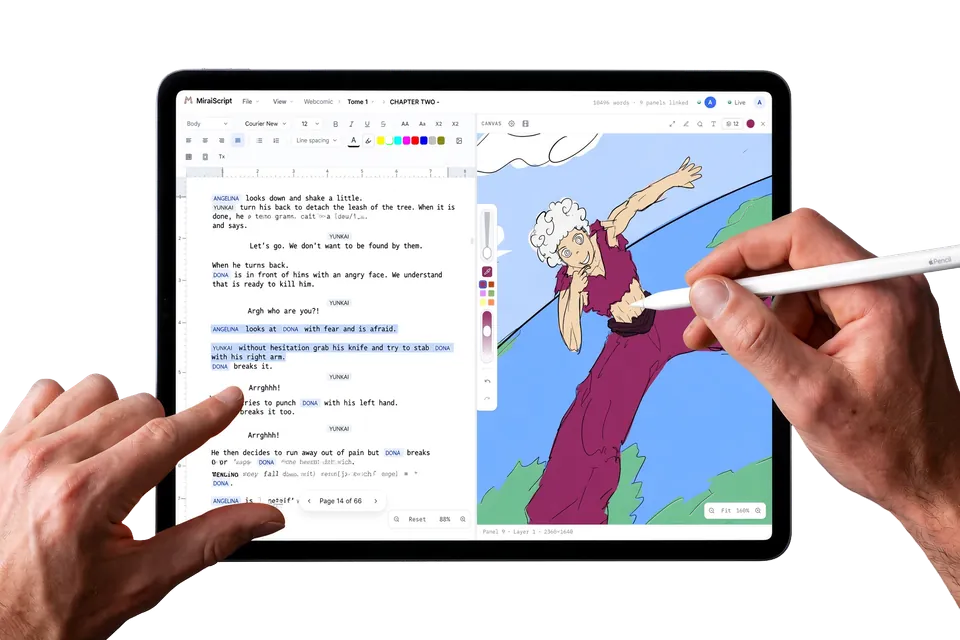
Paired in about five seconds
There is nothing to install and no second account to make. Open a project, ask for a session, and the desktop shows a short code and a QR alongside it.
- Ask for a session. The desktop puts a code and a QR code on screen.
- Scan it, or type the code. Your tablet opens the companion in its browser. No app store, no download, no waiting for an update.
- Draw. The panel that is open on the desktop is the panel under your stylus.
Already have a code from your desktop? Connect your tablet.
The same canvas, not a lite version of it
This is not a second drawing app that sends pictures over. The tablet runs the same rendering engine the desktop runs, so a stroke lands identically on both screens because there is only one implementation of what a stroke looks like.
- Pressure, layers and folders. Blend modes, clipping masks and alpha lock, behaving exactly as they do at your desk, because it is the same layer panel and not a cut-down copy of one.
- Touch controls that stay out of the way. Pinch to zoom, twist to rotate, two fingers to undo and three to redo, with a resting palm ignored rather than mistaken for a gesture.
- The toolbar you already know. One toolbar, sized for a fingertip rather than rebuilt for one, so nothing is in a different place than you expect.
Strokes land while you are still drawing them
The line appears on the desktop as your stylus moves, not when you lift it and not when something saves. Switch panels on the desktop and the tablet follows. Undo on the tablet and the desktop undoes.
The session is a direct line between your own two devices rather than a room other people are in, and you can rotate the code from the desktop whenever you want a fresh one.
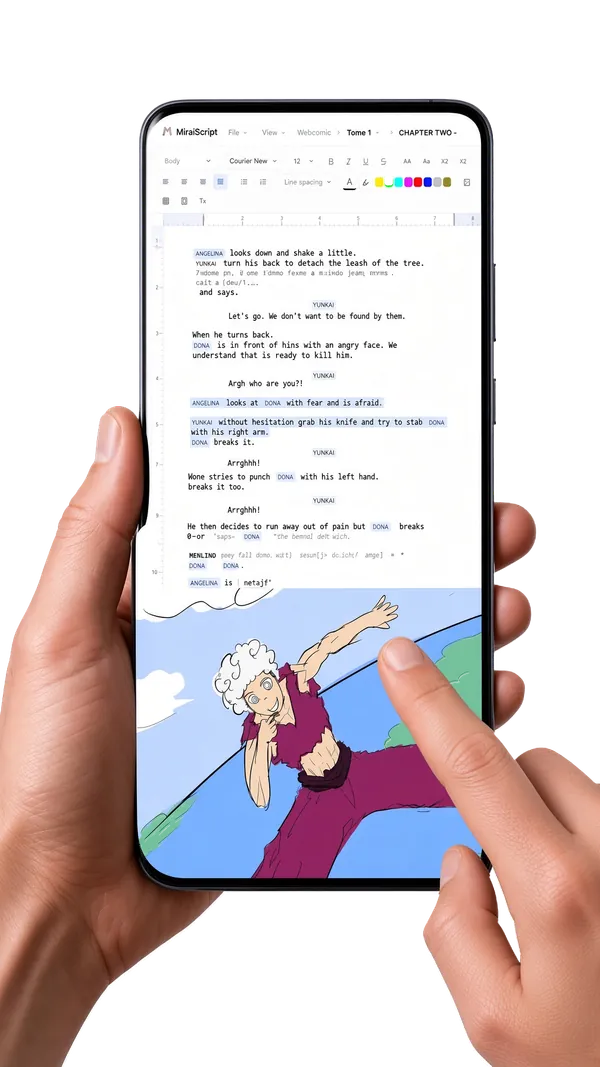
Included on every plan, the free one too. See where drawing fits in the whole loop, or what each plan includes.